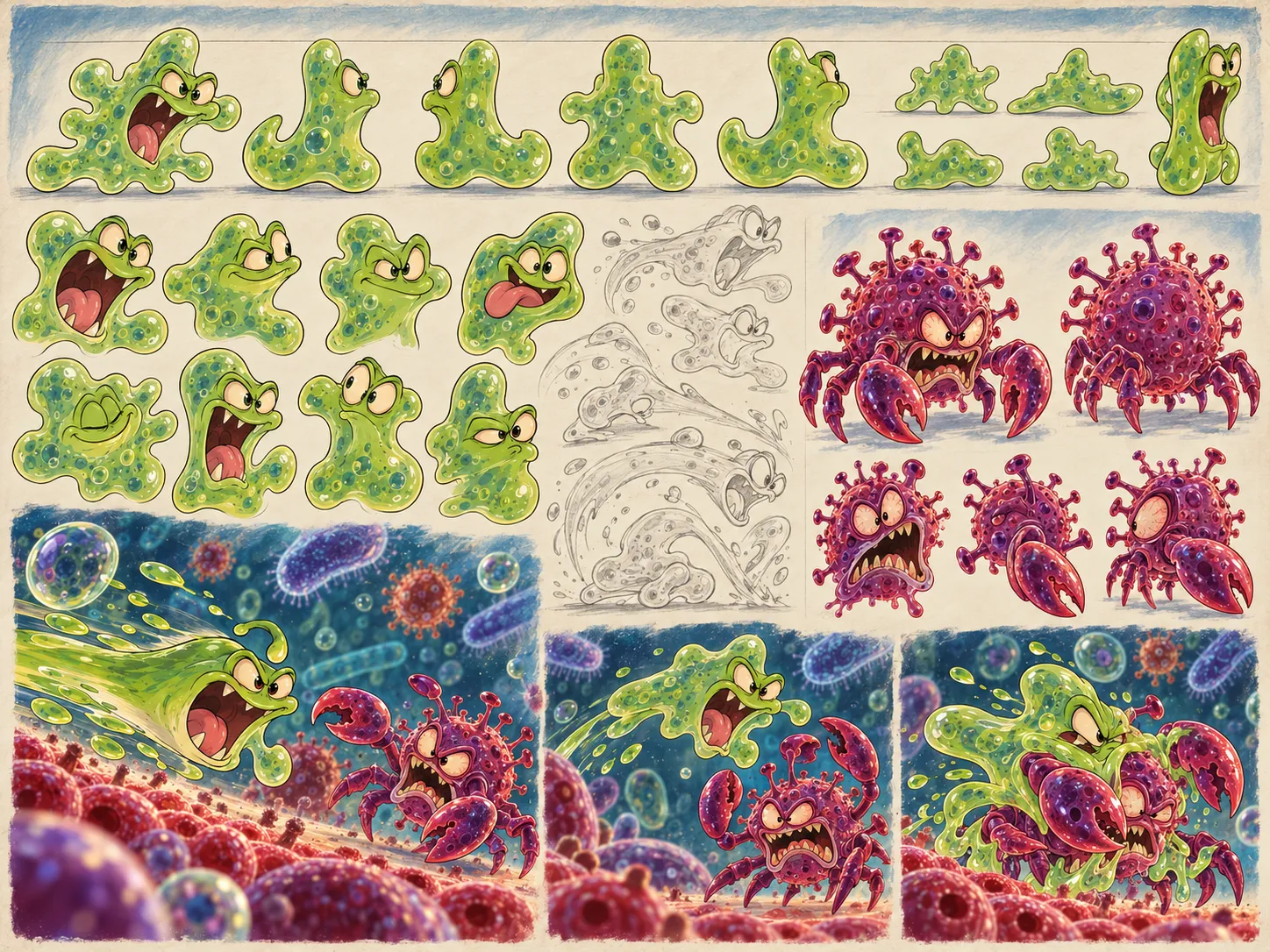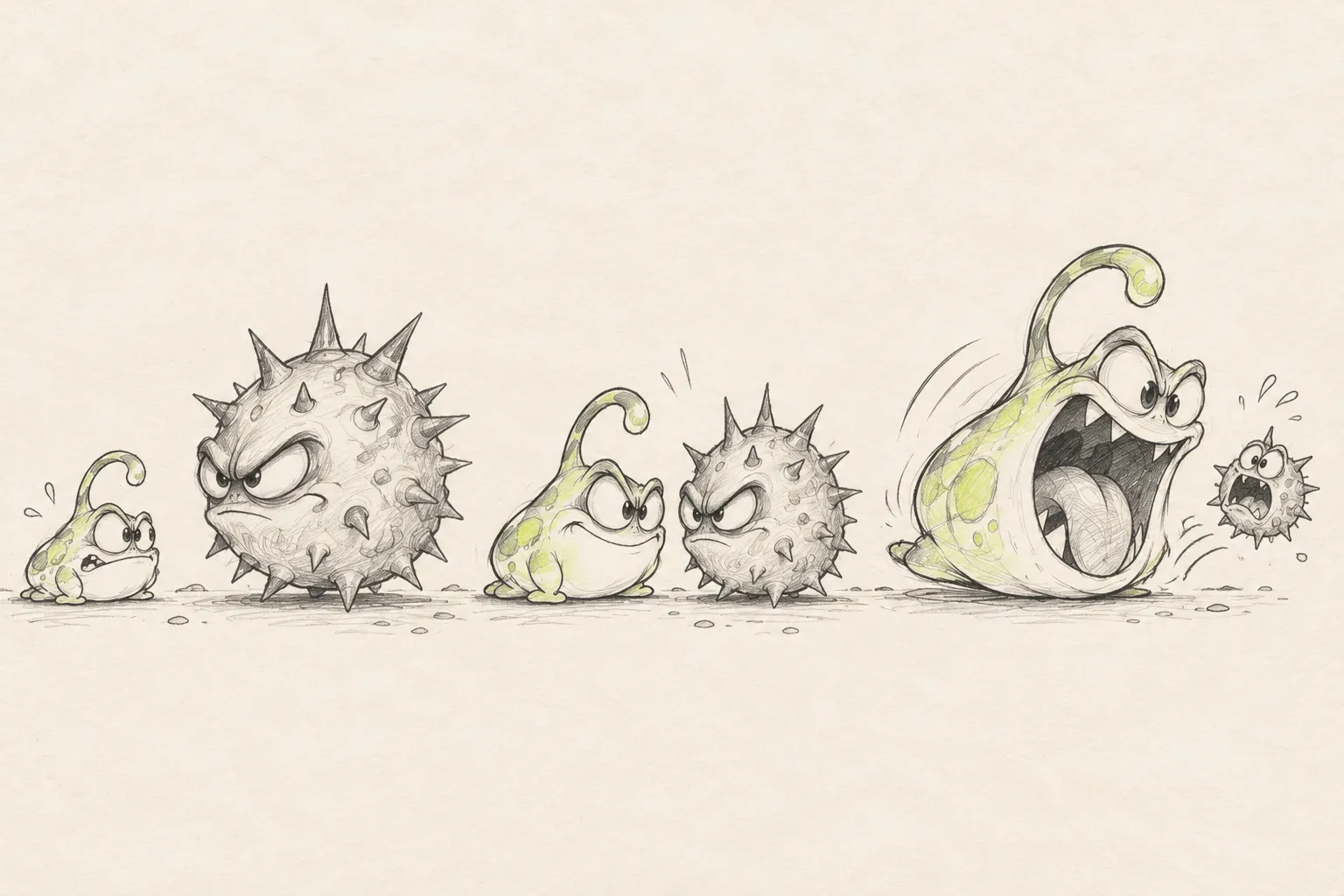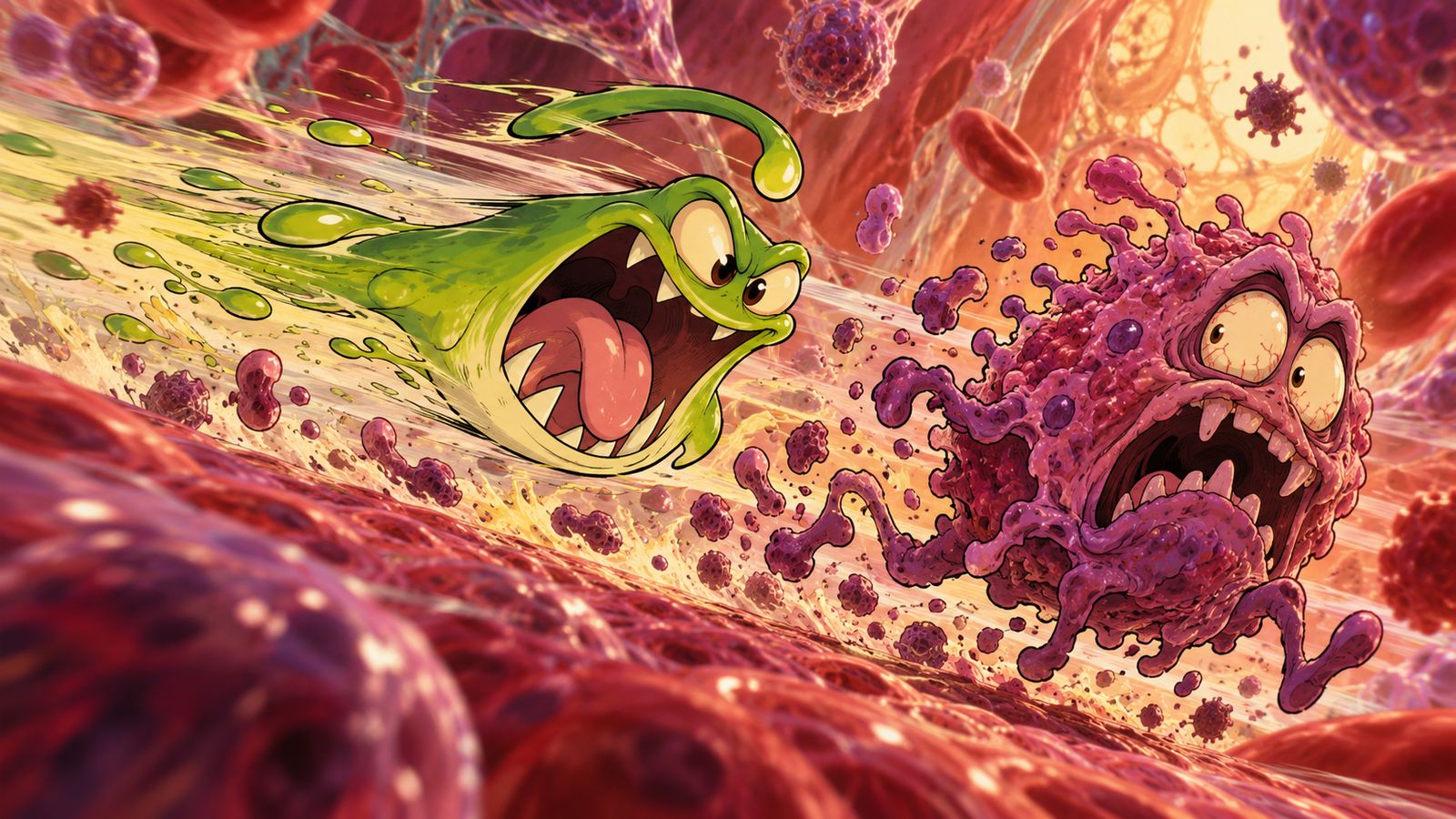
You can pull Guzzle back before launch. There’s a little promise in that gesture: let go, and his soft body will shoot forward. But it matters that the gesture does more than look funny. It should explain the start of an attempt without fighting the controls that follow.
In the September prototype, we added a launch by pulling down and releasing. The direction stayed strictly forward; on a computer, you could do the same by holding and releasing the spacebar. The player chose when to launch rather than aiming in every direction. That’s the early version we documented, and the one we’re returning to in this chapter.
From a gesture to a moment
Before we settled on this kind of launch, we tried different ways of viewing the flight: horizontal and vertical screens, different speeds. In the fast version, your eyes couldn’t make out the world; in the slow one, the energy disappeared. At first, it seemed enough to find the right speed setting. Gradually, we realized the movement also needed a clear beginning and distinct moments the player could respond to.
The pullback turned out to be a good place for such a moment. For a second, all the coming chaos gathers into one soft body. While Guzzle is compressed, it’s clear where the action is and what you need to do. In that brief pause, you can feel the arcade appeal before the screen fills with creatures.
Later changes added a launch meter. It had different result zones, and before a well-timed release Guzzle compressed further while the field shook. Launching became a small timing challenge: you had to spot the right moment, not just press.
It’s easy to get carried away with effects and lose the explanation. If the body, meter, and sound each say something different, the player has to guess how to launch. It helps to treat them as connected cues for one action. The compression shows the buildup, the zone marks when to release, and the sound and movement show the result. Players don’t need to know the names of the internal states.
Your hands stay busy after launch
Next, you steer and bite. In the prototype, movement used the lower area of the screen without a fixed arrow panel. The bite button had its own prominent spot. That let the player do both actions at once: hold a position with one finger and choose an attack moment with another.
But a layout that looks convenient isn’t automatically comfortable in your hand. We have to account for button size, which side it’s on, spacing, and how much of the world a finger covers. Checking on a computer helps catch layout problems, but it can’t replace a real phone. The old notes distinguish those stages too.
What stayed from the first gesture
The pullback gave Guzzle a brief moment of preparation before the dangerous movement began. It connects his soft body to the player’s action: Guzzle gathers himself, then flies. Later, we had to preserve that expressiveness through turns and bites as well.
We don’t call every early setting final. What matters is that the launch became part of the game’s character. Before the first meal, the player performs an action and Guzzle’s body responds in a clear, consistent way. A first miss helps you understand not only the result, but also which moment you want to time better next time.